Upload the source
Start an image to calendar conversion with a schedule photo, screenshot, flyer, or PDF. One file can contain many events.
Use the image to calendar converter to upload a photo, screenshot, or PDF. Review the extracted events and download an ICS file for Google Calendar, Apple Calendar, or Outlook.
Checking available credits…
Start an image to calendar conversion with a schedule photo, screenshot, flyer, or PDF. One file can contain many events.
Edit dates, times, timezones, locations, and repeat rules before you export.
Import the standard file into Google Calendar, Apple Calendar, Outlook, or another app.
This image to calendar tool starts with the file in front of you—one event flyer or a document containing an entire season.
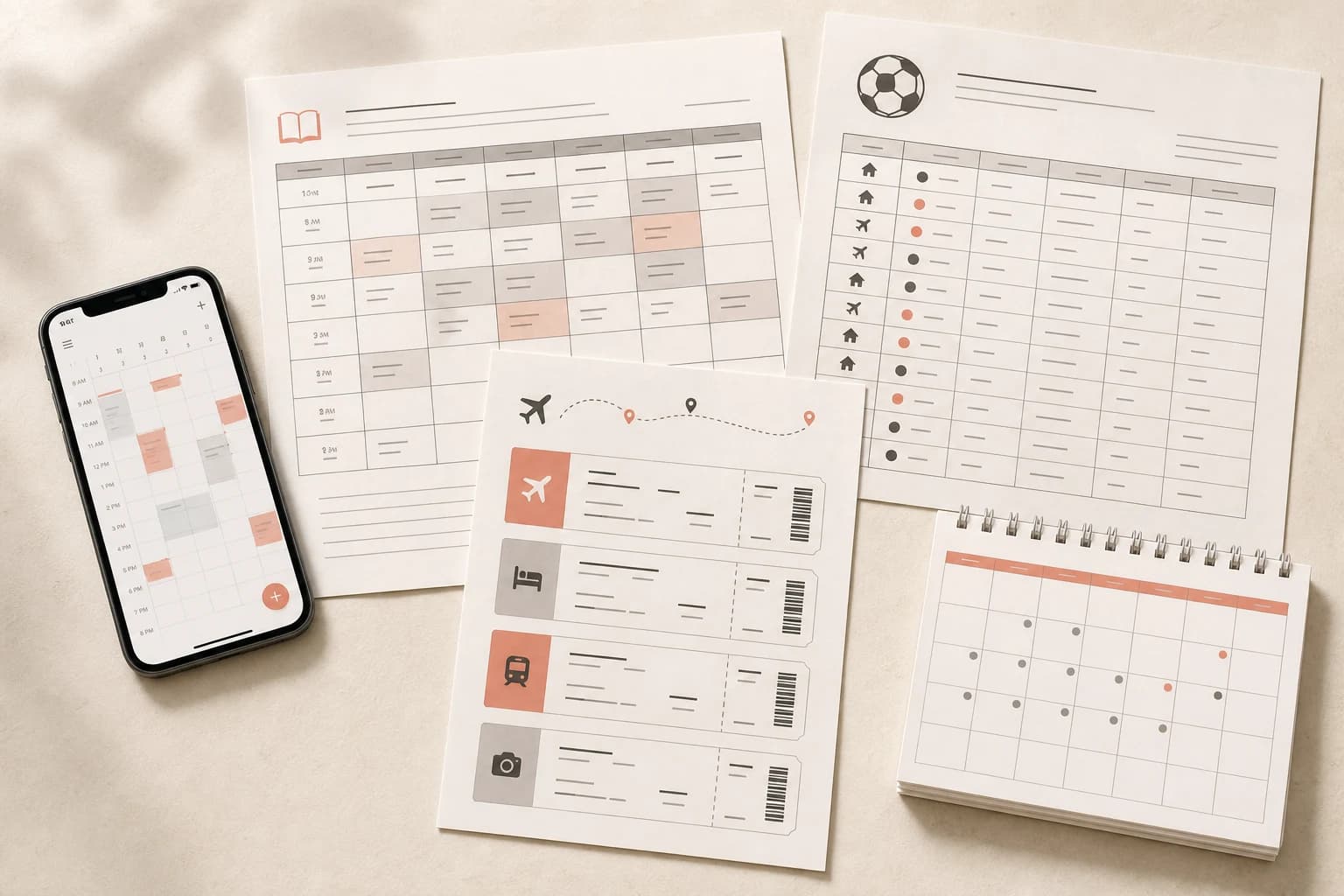
Turn timetables, exam dates, and classroom notices into events you can check first.
Open this converter →Turn multi-page schedules, syllabi, and conference programs into reviewed calendar events.
Open this converter →Bring a season of games, practices, and locations into one calendar file.
Open this converter →Convert weekly or rotating schedules without retyping every start and end time.
Open this converter →Extract dates from event posters, conference programs, and travel documents.
Open this converter →Planning from scratch? Build, print, and export a week with our free Schedule Maker.
Already have a calendar file? Convert ICS to CSV to review events in Excel or Google Sheets.
Creating an event from scratch? Use the free ICS File Generator to enter details and download a calendar file.
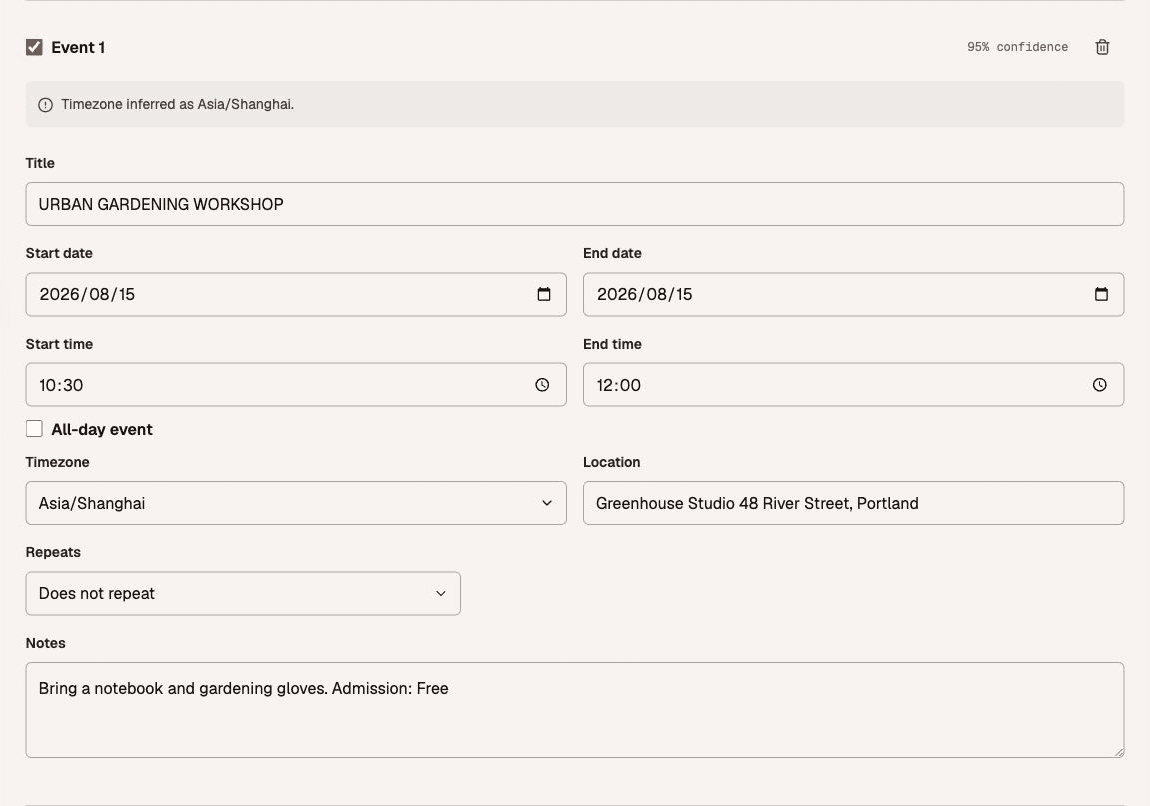
Every image to calendar result stays editable. Check each event, correct anything that looks uncertain, then download one standard ICS file.
Original flyer

Extracted event
During an image to calendar conversion, files stay in request memory only for the time needed to extract events, then are released. AIHubMix and its model provider process file content to read the schedule. Account and credit records never include your uploaded file or extracted event content. Read the processing details.
An image to calendar converter reads dates, times, locations, and repeat details from a photo, screenshot, flyer, or PDF. It turns those details into editable events that you can export as one standard ICS file.
You can upload JPG, PNG, or WebP images up to 10 MiB, or a PDF up to 12 MiB and 10 pages. Event flyers, screenshots, class timetables, sports schedules, and shift rosters all work; clear, readable text produces the best results. One conversion can contain up to 100 events.
Yes. Before downloading, you can edit titles, start and end dates, times, all-day settings, timezones, locations, notes, and repeat rules. You can also remove events you do not want to export.
No automated extraction is perfect. Accuracy depends on image clarity and schedule layout, so every event includes a confidence score and any detected warnings. Review the dates, times, and timezone before downloading.
The downloaded ICS file works with Google Calendar, Apple Calendar, Outlook, and other apps that support the iCalendar standard. This app does not sign in to your calendar or add events automatically; you complete the import in your chosen calendar app.
Timezone hints and repeat patterns are included when they can be identified. You can review or change the timezone and configure daily, weekly, or monthly recurrence before exporting the ICS file.
This app does not permanently store uploads. Extraction sends file content to AIHubMix and its model provider. Your selection and results stay in this tab’s memory until you refresh, close it, or discard the schedule. See Privacy for the external processing details.
You can try one successful conversion without an account. Sign in with Google to get two free credits, then buy one-time credit packs whenever you need more.